Decide less
Now, Next, Inbox and Later are separate states, not one endless list. Everything doesn’t become equally urgent, and the next thing is already chosen.
Windows desktop app
PrioNudge combines tasks, priorities, time estimates, context and lightweight tracking to reduce the friction of deciding what deserves your attention next.
v0.1.14 · Activity tracker Free download Local-first No account required MSI installer
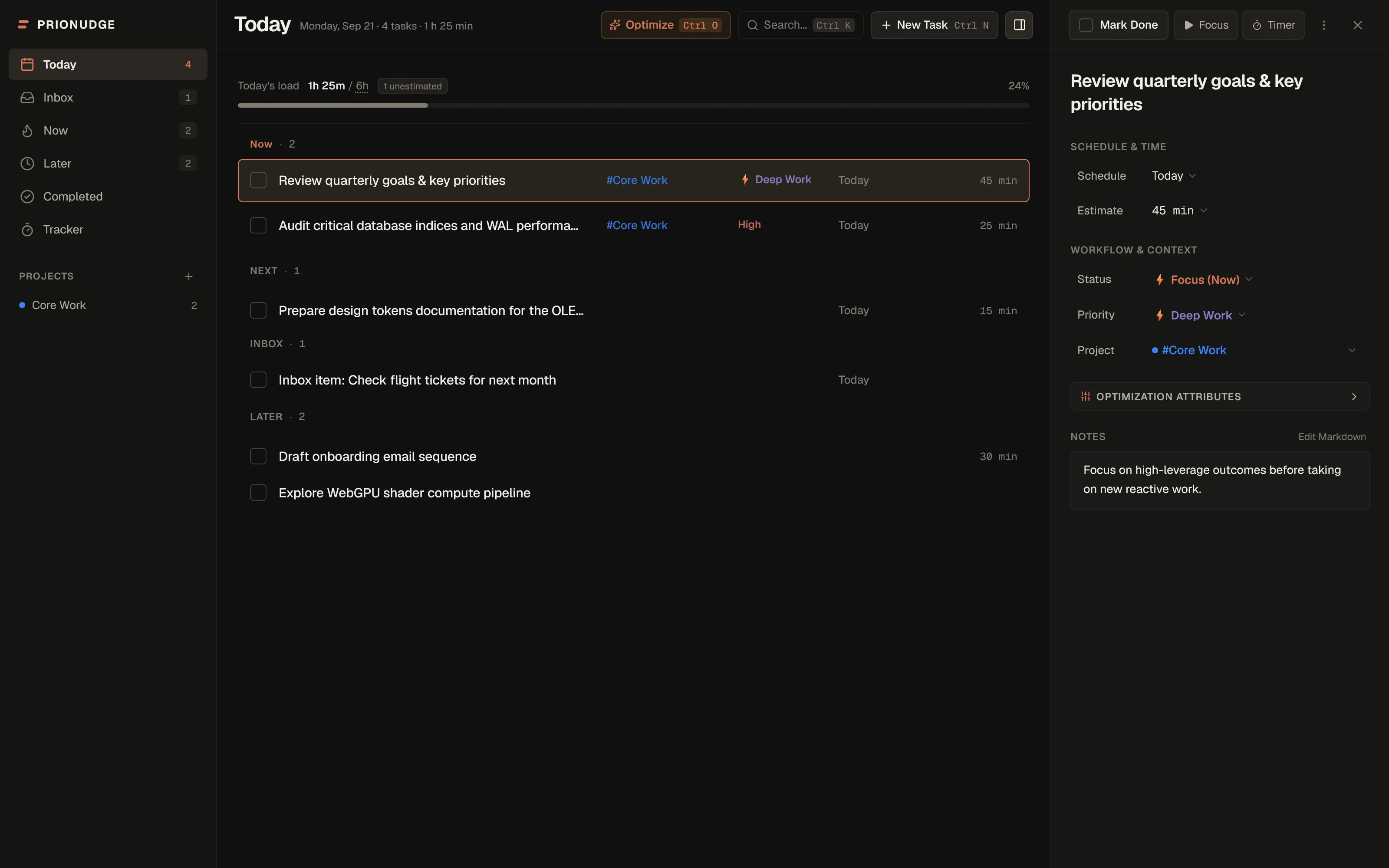
The work isn’t organizing tasks. The work is doing them. PrioNudge is designed to keep the deciding small.
Now, Next, Inbox and Later are separate states, not one endless list. Everything doesn’t become equally urgent, and the next thing is already chosen.
Estimates, focus sessions and a lightweight activity tracker make your real workload visible — not just your task count.
Quick Capture, keyboard shortcuts and tray controls keep capturing and finishing work from interrupting the work itself.
Product story
Not a hundred features. Just the parts that remove a decision.
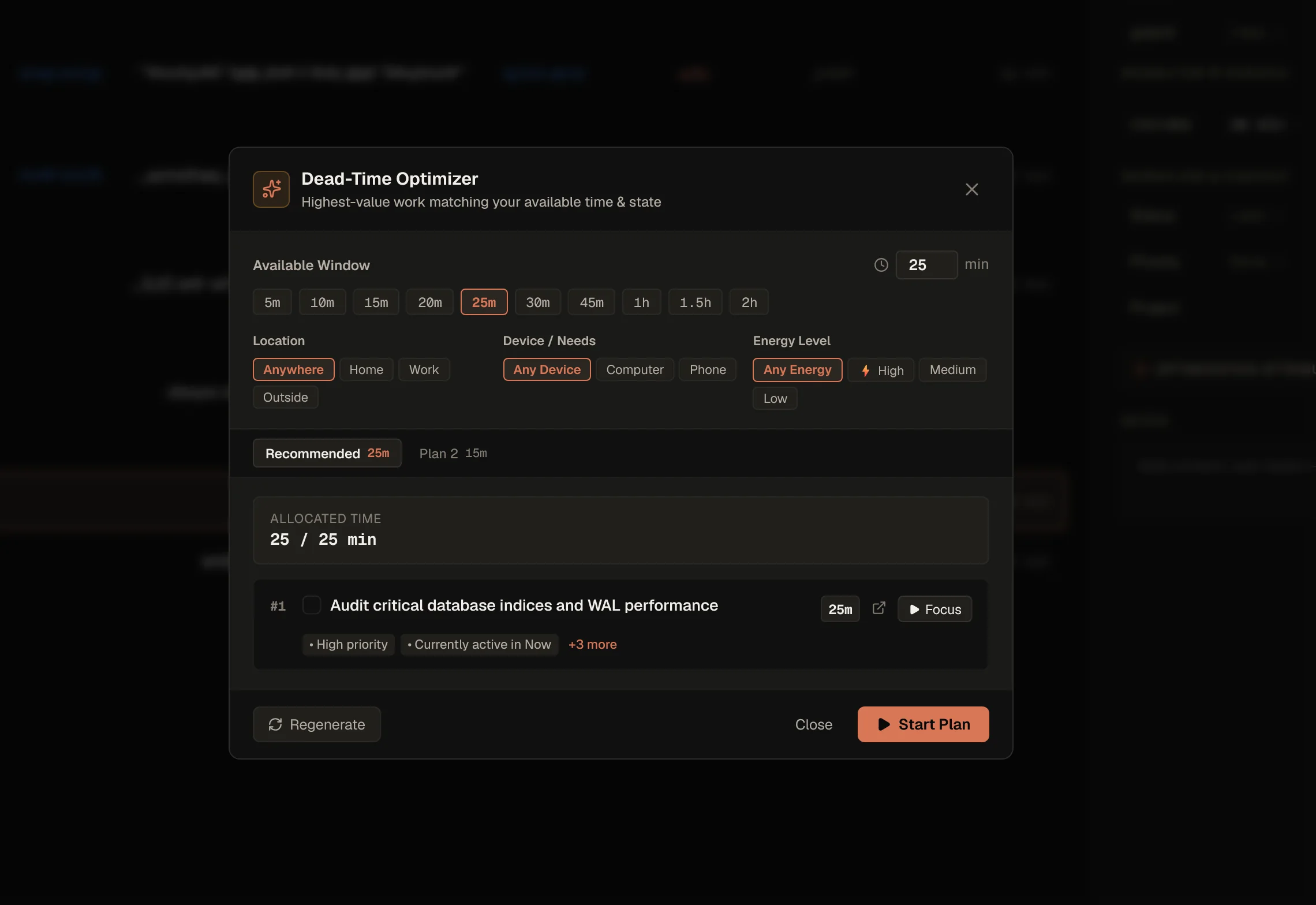
Tell PrioNudge how much time you have, where you are and how much energy you’ve got. It ranks what fits and builds one plan you can start immediately.
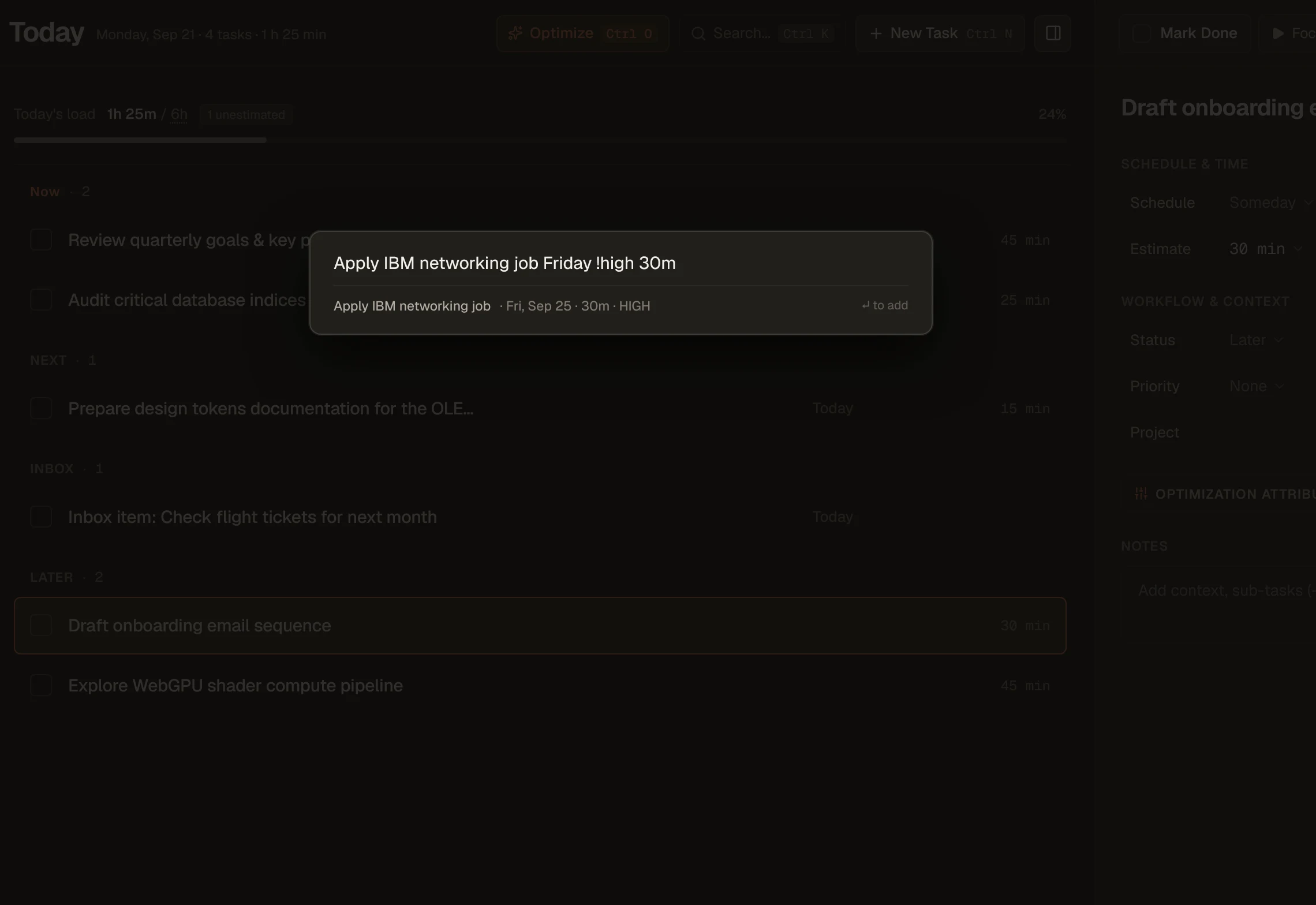
Press Ctrl+Alt+Space from anywhere on Windows. Dates, priorities, recurrence and estimates are extracted so you can get back to work.
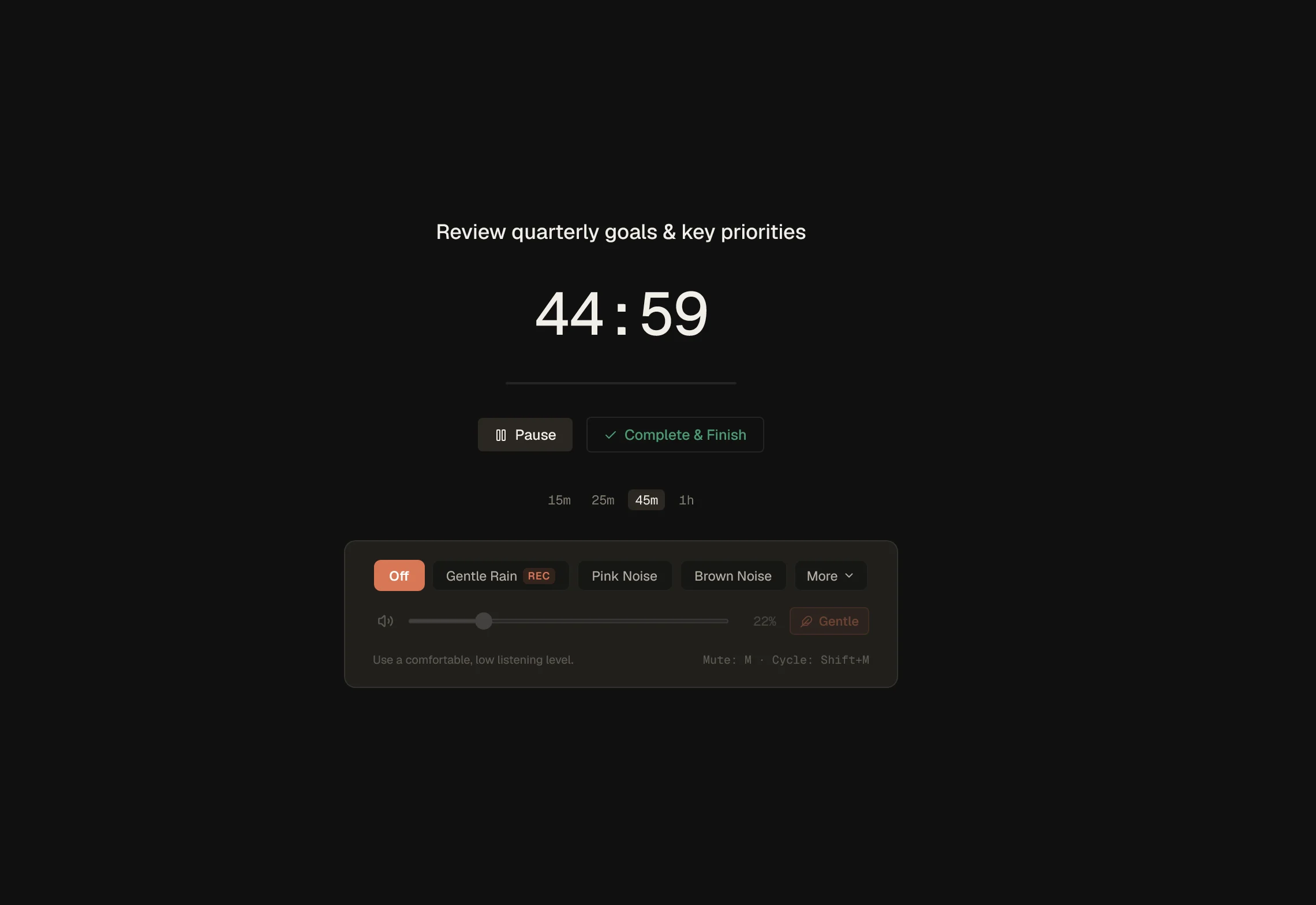
Pick a duration, start the session and let everything else fade back. Focus mode keeps the current task in front of you until you’re done.
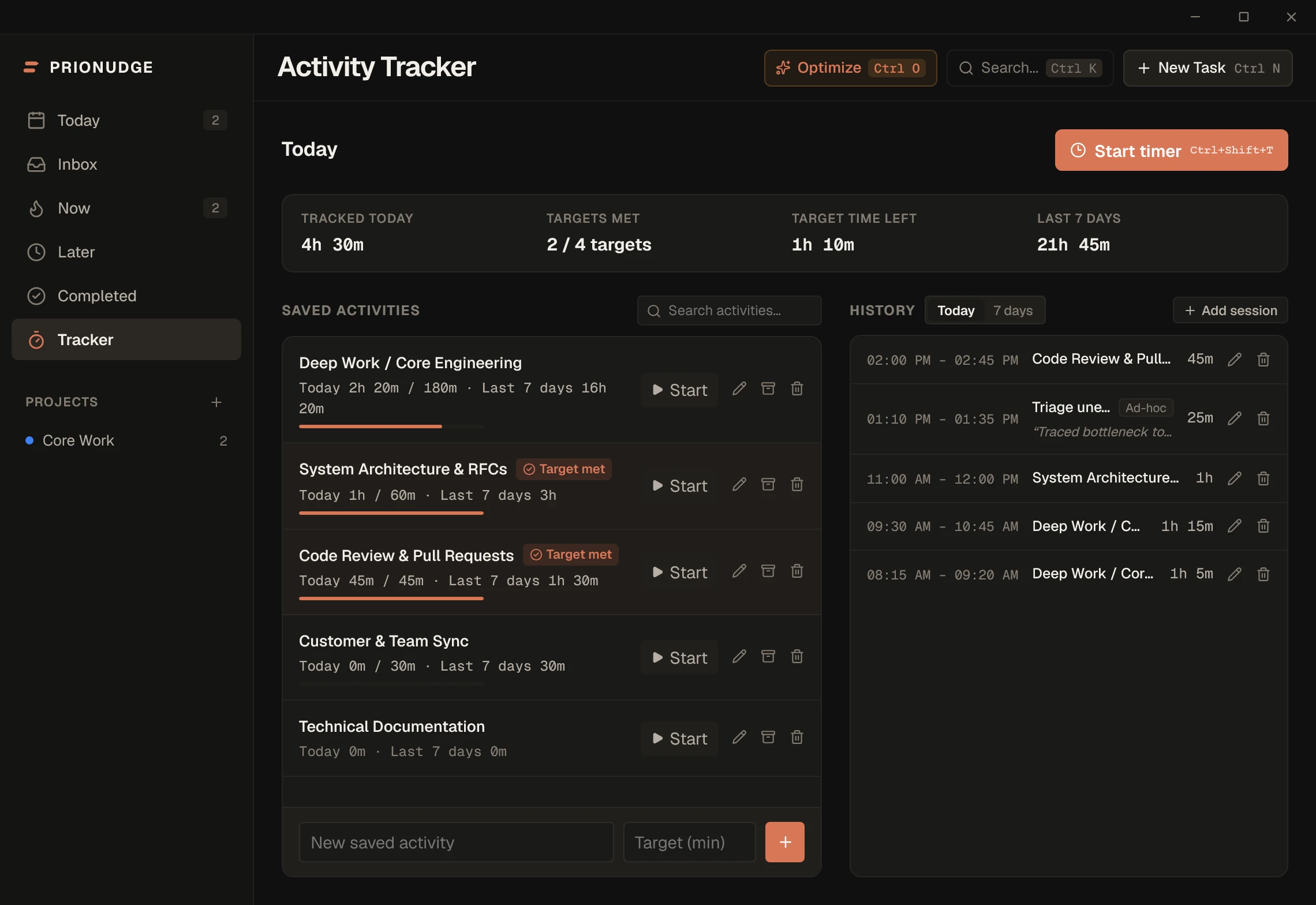
A lightweight companion to your task list. Start one-click stopwatches for saved activities or record ad-hoc sessions as you work. Daily targets and a rolling 7-day overview keep your actual hours honest without turning into an administrative chore.
Daily routines, weekdays, weekly work and monthly tasks can recreate themselves as each occurrence is completed, while completed occurrences remain part of history.
Built for Windows
PrioNudge installs directly on Windows as a dedicated desktop app with custom window controls. Your productivity data stays on your device with local-first storage — no accounts required, and zero cloud task syncing.
Your tasks and tracker history stay on your device. Your productivity data remains local — network access is only used for release lookups and signature-verified update checks.
New releases download and install safely only after the update payload passes cryptographic signature verification.
Ctrl+K for commands, Ctrl+N or Ctrl+Alt+Space for capture, J/K to move, 1/2/3 to prioritize.
Custom titlebar with native-feeling window controls, system tray integration, and global shortcuts built specifically for Windows.
Timed tasks can nudge you with Windows system notifications, even while PrioNudge is minimized or running in the tray.
v0.1.14 Windows 10 & 11 Free download All releases